Version 1.0 - Last Updated: 19 May 2023
Customer search
Customer search
The Customer Search area of the portal lets you find individual students and administer their accounts.
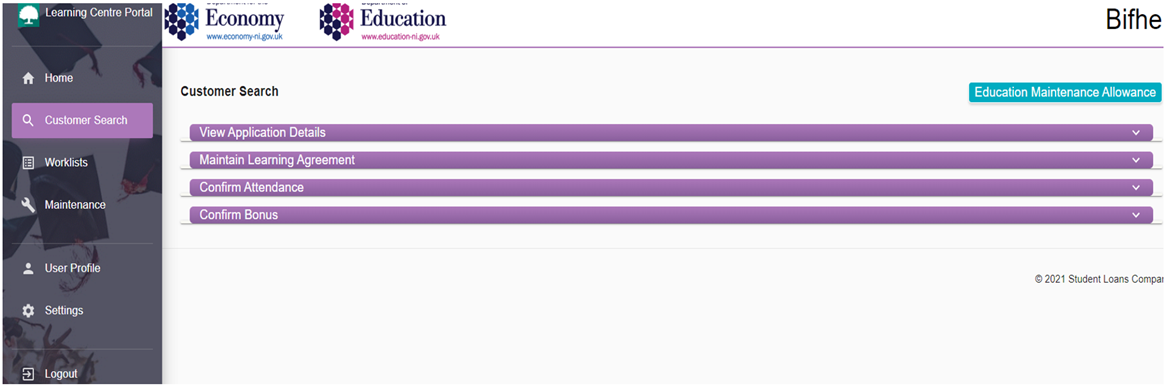
You can use it to view one student’s details at a time, rather than run a bulk search for all students. If you run a bulk search in another area of the portal, you can also open the Customer Search screen if you select a student’s surname in the bulk search results.
The Customer Search area has 4 tabs:
- view application details
- maintain learning agreement
- confirm attendance
- confirm bonus
Searching for a student here will not only retrieve their application information but populate all these tabs.
Print this chapter